
Know your app.
Make more of every hunt.
From your first pin to a shared hunt, get clear steps for the tools you use in the field. Find a feature, see its app screens and learn at your own pace.
NEW TO VENATRIQ?
A good place to begin.
YOUR COMPLETE FIELD LIBRARY
What would you like to do?
42 guides across your app
Start here3
Get comfortable with the app and prepare for your first trip.
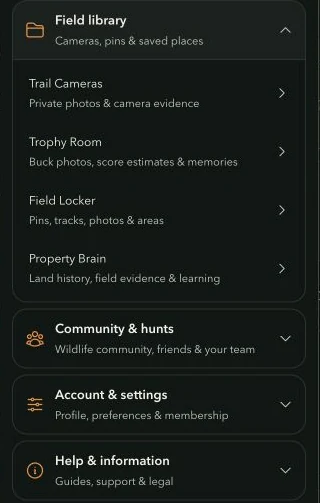
Your first five minutes in VENATRIQ
Find your way around the map, the field tools and the menu before your first trip.
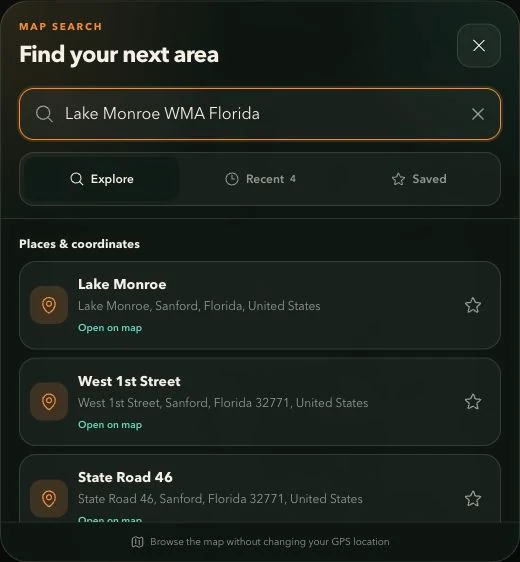
Find a place or pin exact coordinates
Search an area, save a useful place or turn a coordinate pair into a waypoint.
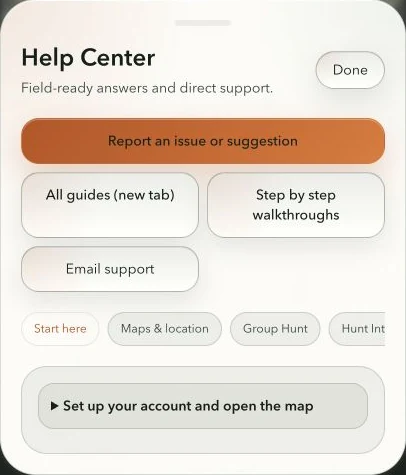
Recover access and send useful feedback
Know where to find help and what details make a problem easier to fix.
Maps & layers10
Read the terrain, research access and choose the information on your map.
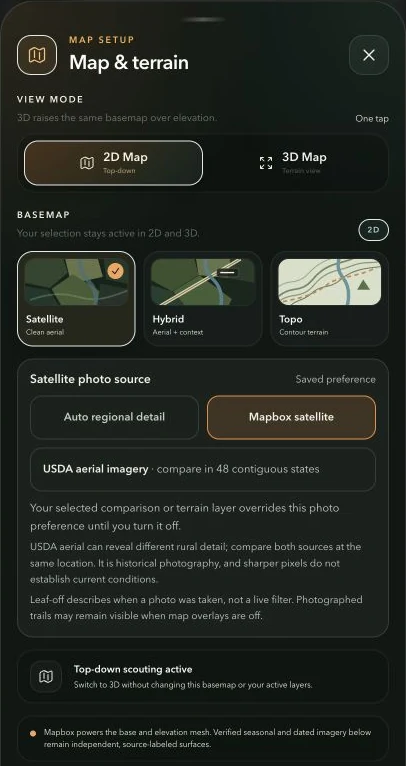
Choose Satellite, Hybrid, Topo or 3D terrain
Match the map's presentation to the question you are trying to answer.
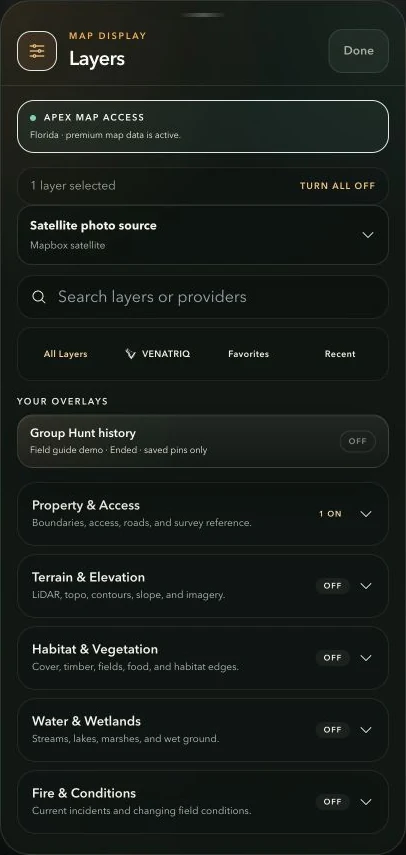
Build a clear map with layers
Find layers quickly, understand their legends and avoid a crowded map.
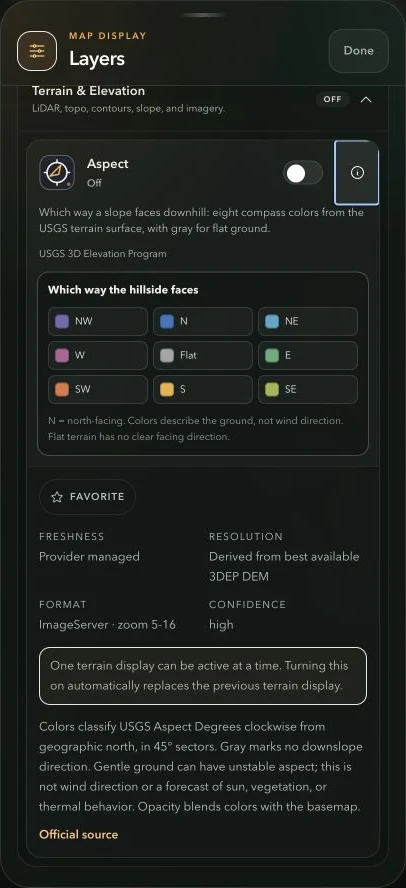
Read contours, slope and aspect
Turn terrain colors and lines into useful scouting context.
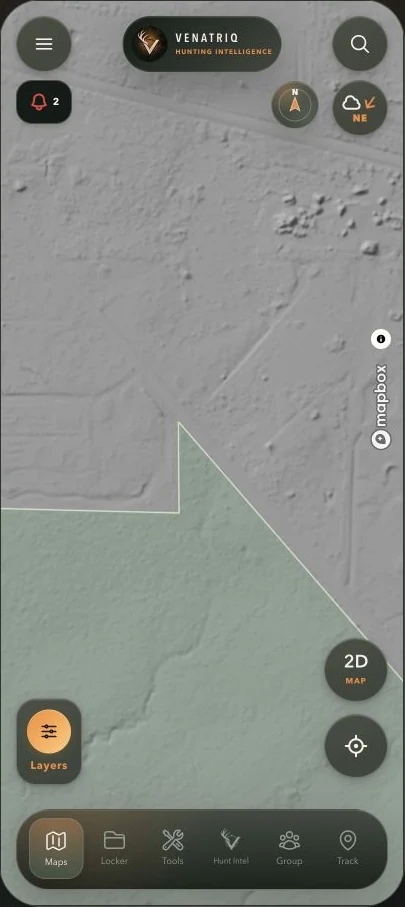
Scout terrain with LiDAR
Study subtle landforms beneath the photographic view.
Research public land, parcels and hunt units
Compare boundaries while keeping ownership, access and hunting rules separate.
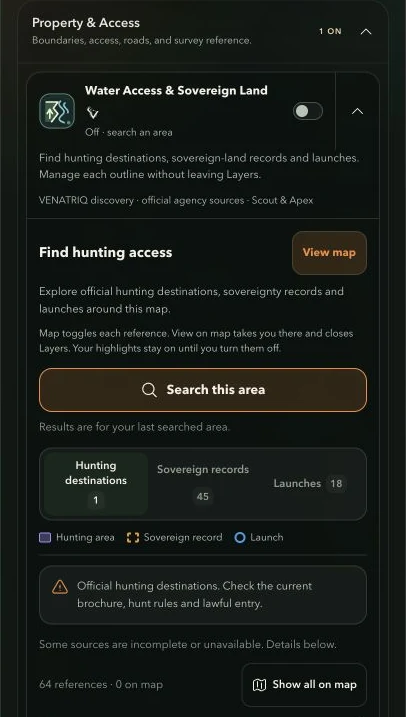
Explore water access and sovereign land
Find official research leads near waterways and keep useful records visible on your map.
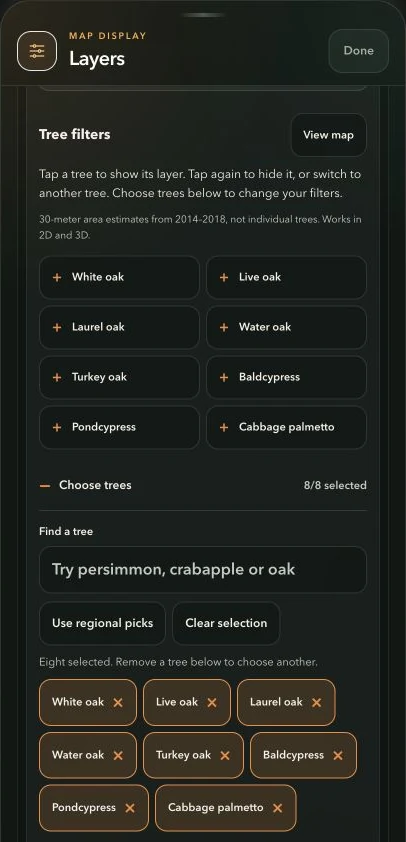
Explore tree and mast habitat filters
Compare modeled tree habitat, then record what you actually find in the field.
Read cover, water, imagery history and change
Use the wider layer catalog to ask better questions about a scouting area.
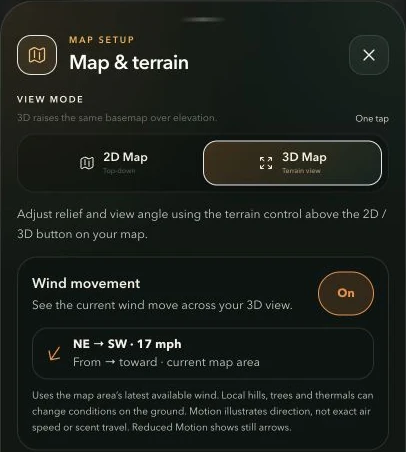
Use wind at your location and saved pins
Compare wind direction at the setups you care about and read the moving overlay.
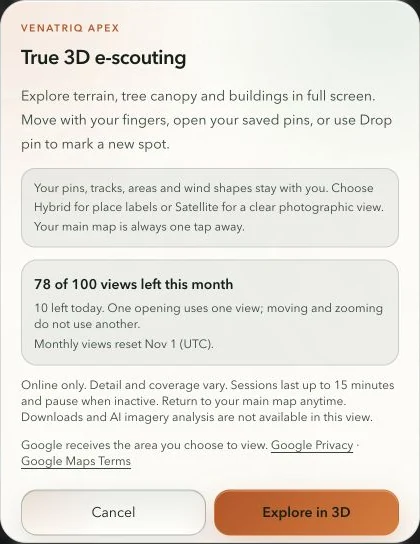
E-scout in True 3D
Explore a photorealistic scene while keeping your VENATRIQ field tools close.
Pins & field library10
Save, organize and revisit the details that make a place yours.
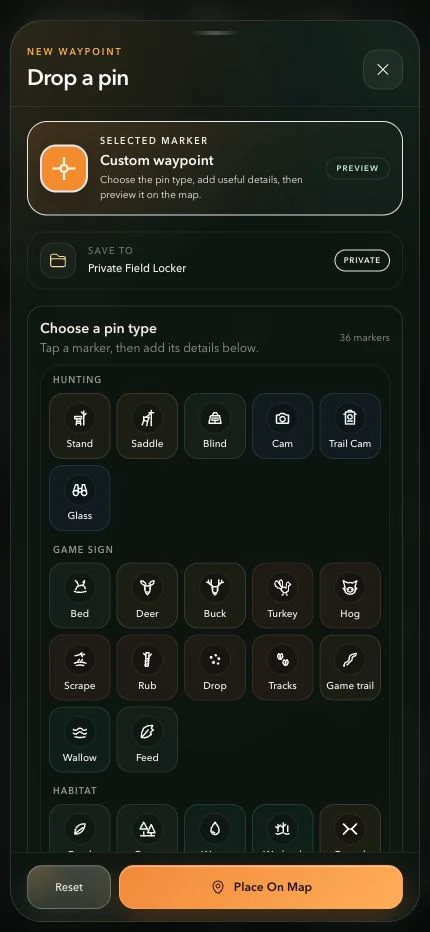
Drop, style and edit a pin
Keep stands, sign, access points and observations precise and easy to recognize.
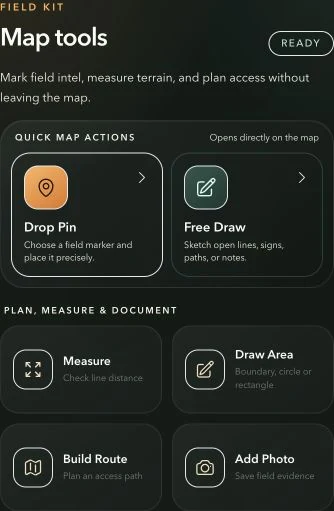
Draw, measure and mark an area
Sketch field notes, measure distances and save shapes without losing the map.
Plan an access route
Sketch an approach, compare it with the land and keep it for your next visit.
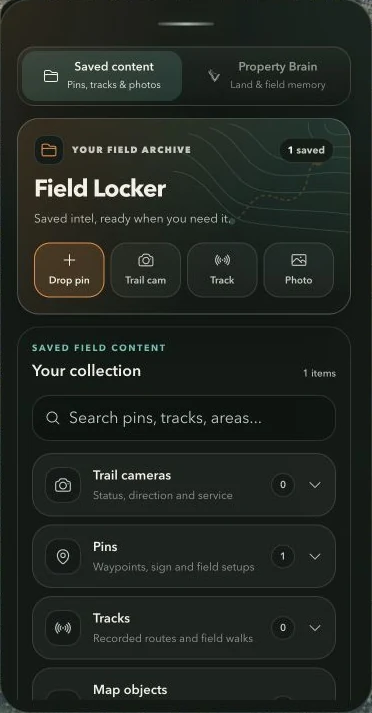
Organize your Field Locker
Find saved pins, tracks, photos and areas without hunting through the map.
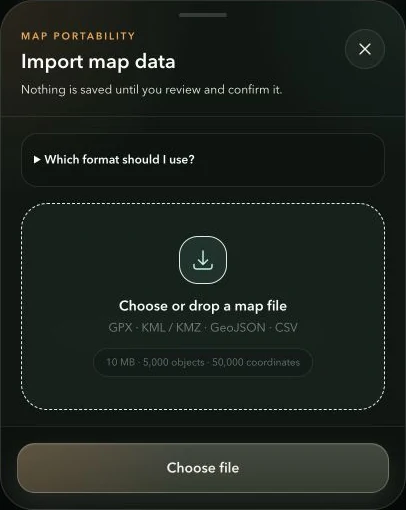
Import or export your map data
Bring real waypoint files into VENATRIQ and keep a portable copy of your field work.
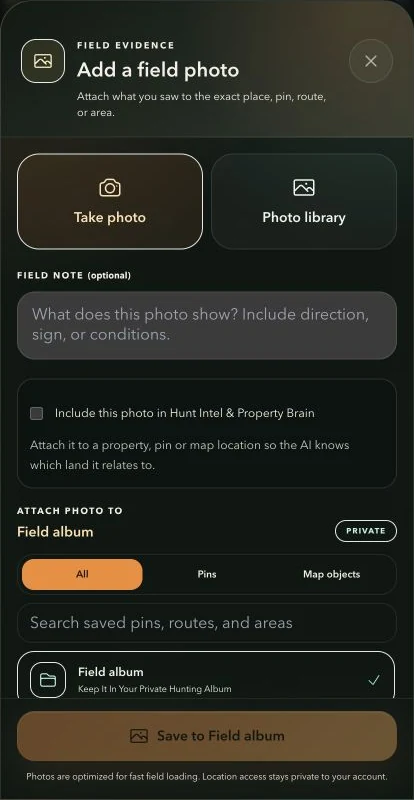
Save field photos with useful context
Attach a photo to the right pin, trail, area or property instead of leaving it disconnected.
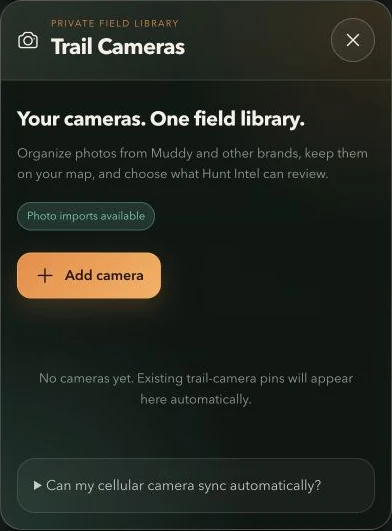
Organize trail-camera photos
Connect camera images with their real location and capture time for private scouting.
Share a pin, track, drawing or boundary
Send one useful field item without exposing the rest of your library.
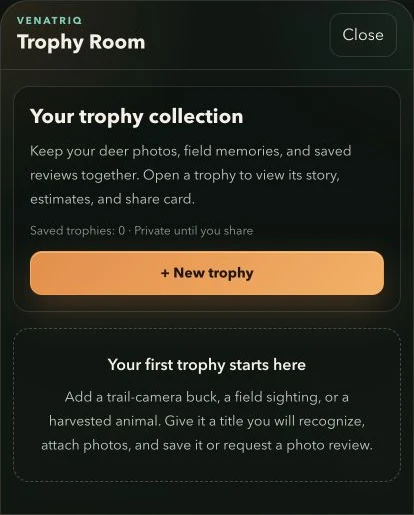
Save a trophy and review an antler estimate
Keep photos and memories together, with a clear distinction between a photo estimate and tape measurements.
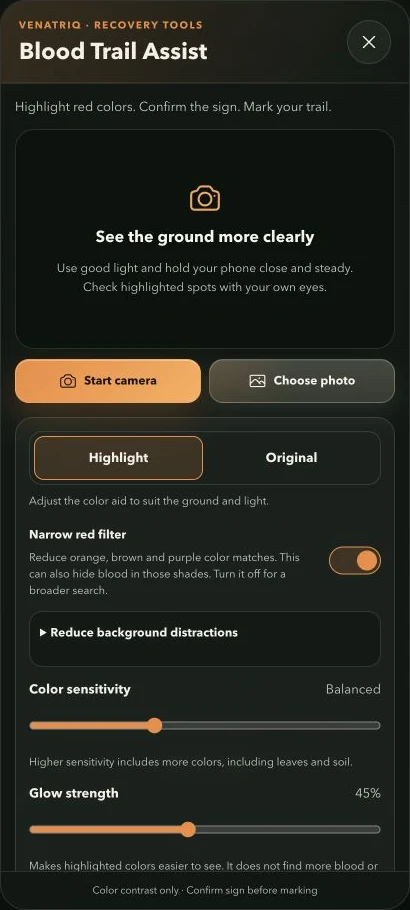
Use Blood Trail Assist carefully
Adjust a color-highlighting aid, inspect a possible sign and mark only what you confirm.
Hunt Intel7
Turn conditions and field evidence into a plan you can review.
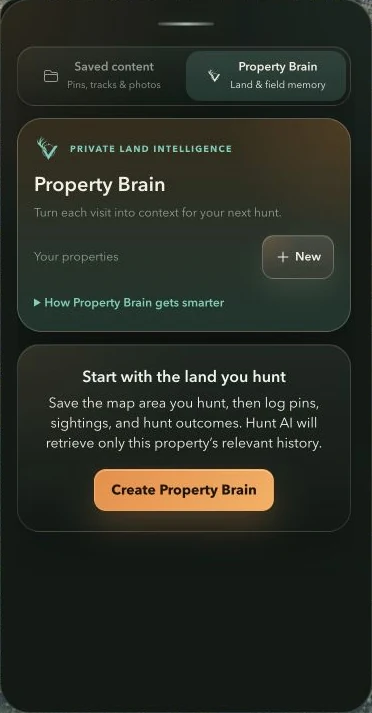
Build a useful Property Brain
Connect the land's history to a scouting brief and a useful next step in the field.
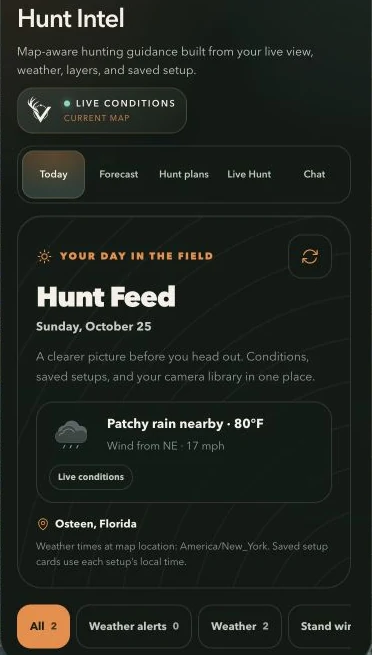
Read your daily Hunt Feed and forecast
See upcoming conditions, saved setup context and recent camera imports in one briefing.
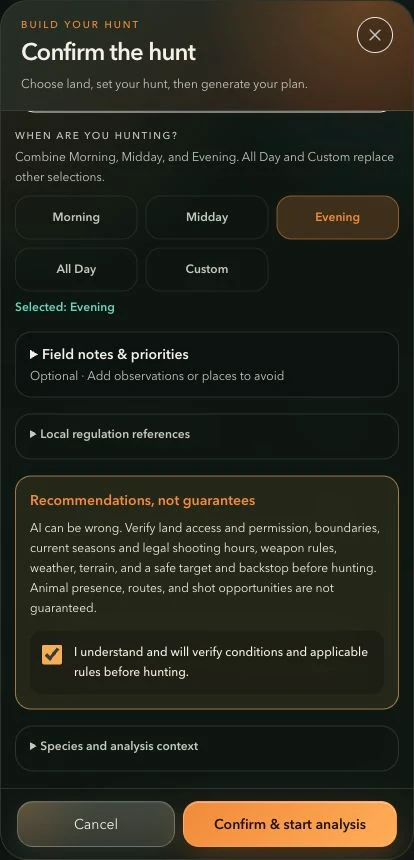
Create a grounded Hunt Plan
Choose an area, provide useful hunting context and review the planner's evidence.
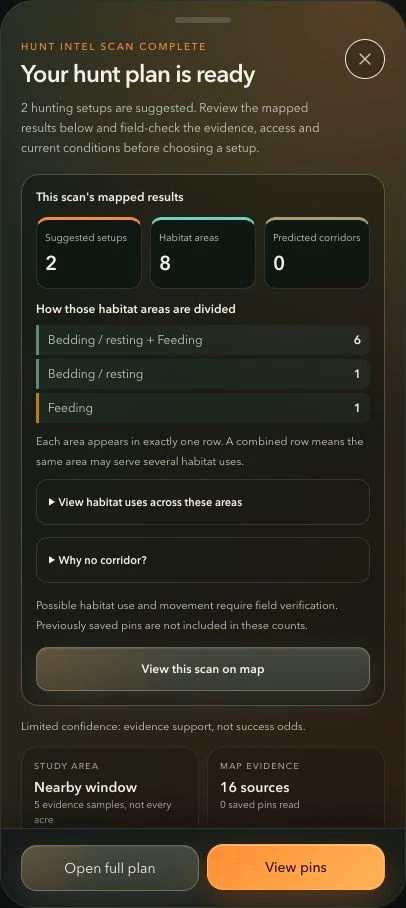
Understand and field-check your Hunt Plan
Know what each count, habitat area and corridor actually represents.
Ask better questions in Hunt Intel Chat
Use a focused question and real field context to get a more useful explanation.
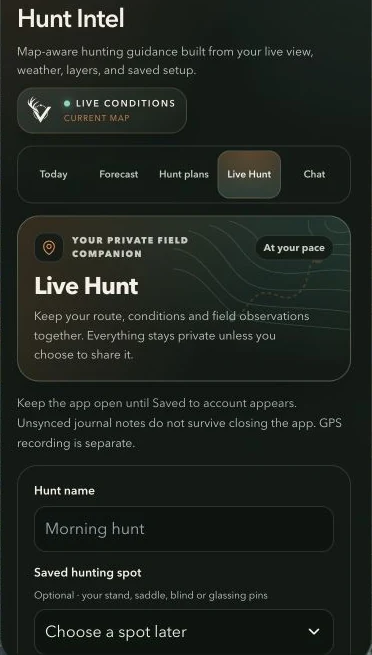
Start, log and finish a Live Hunt
Keep your private field notes, conditions and optional GPS trail together.
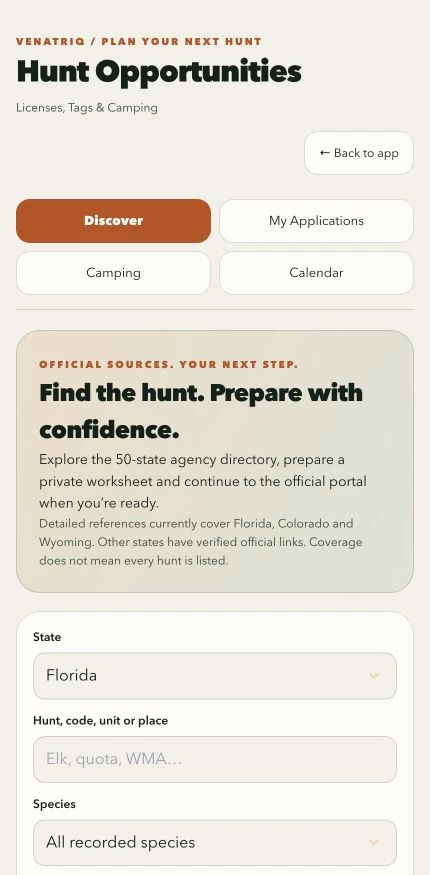
Research tags, applications, points and camping
Build a private preparation worksheet and continue to the official agency when ready.
Tracks & navigation4
Find your position, record a trail and manage your route.
Prepare the phone before you lose service
Download a map area and check your saved field data while you still have a connection.
Use your location dot and compass
Understand the difference between a live fix, phone heading and map follow.
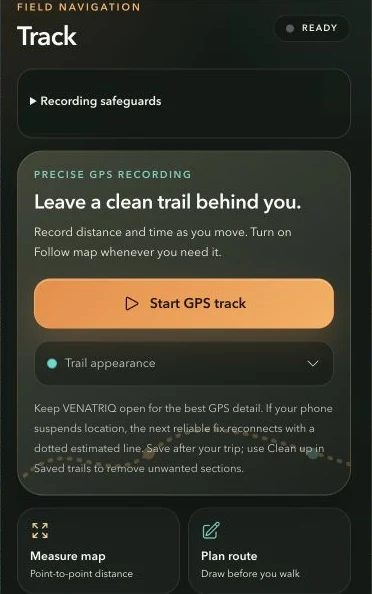
Record and save your GPS trail
Leave a useful record of the route you actually traveled.
Style, clean up and share a saved trail
Keep the useful section of a recorded trip while preserving the original.
Groups & community5
Coordinate a private hunt or share a field story with the community.
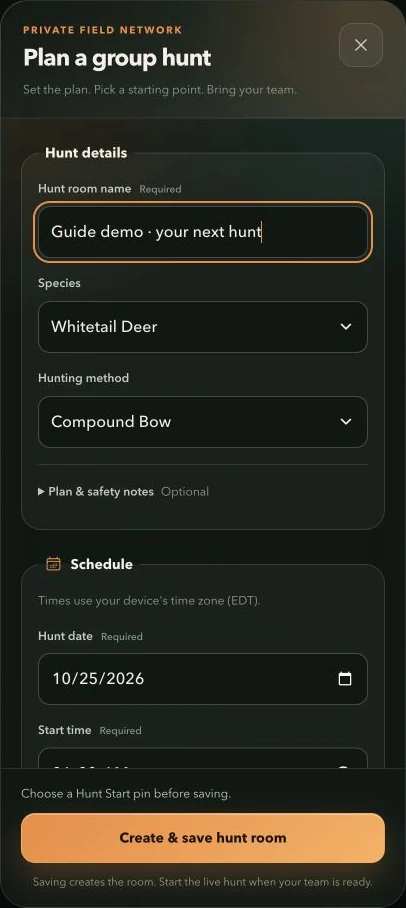
Create or join a Group Hunt
Give your team a private place for a hunt's members, map pins, updates and chat.
Share team pins and live location
Choose what your active hunt can see and recognize stale location information.
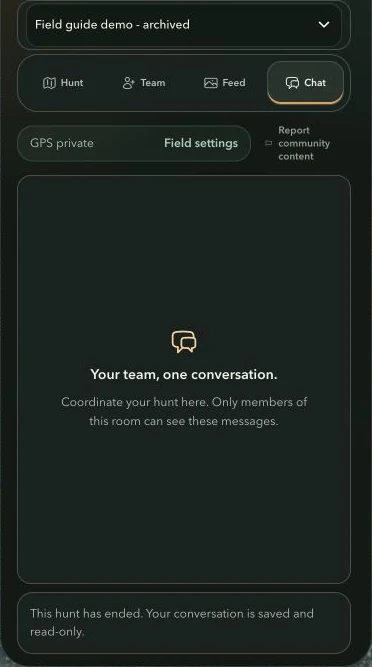
Use the private hunt feed and chat
Keep sightings, photos and quick coordination inside the right hunt room.
Find friends and send a private message
Build your trusted circle and keep private conversations out of the public feed.
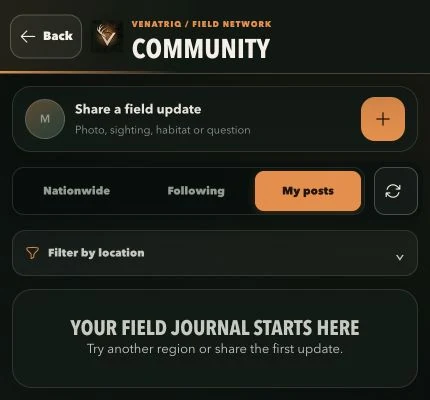
Browse and post in the hunting community
Share a field story, follow hunters and control how much location you reveal.
Account & privacy3
Manage your membership, preferences and information.
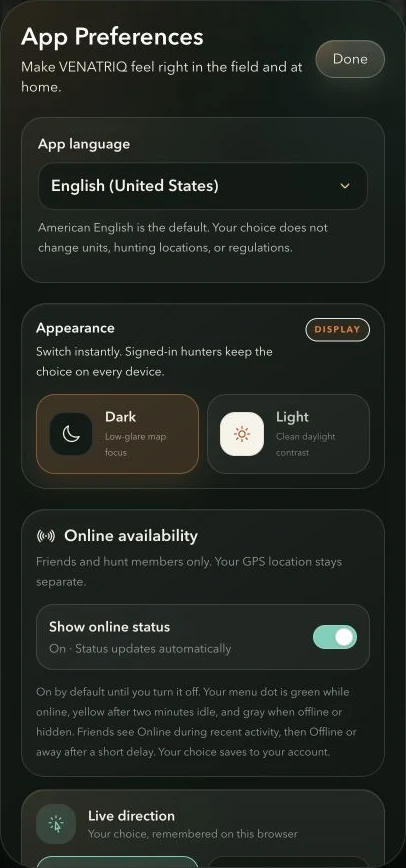
Make the app comfortable in the field
Choose appearance, measurement units, map direction and notification preferences.
Manage your profile, states and membership
Keep your identity and hunting preferences current and understand what your plan includes.
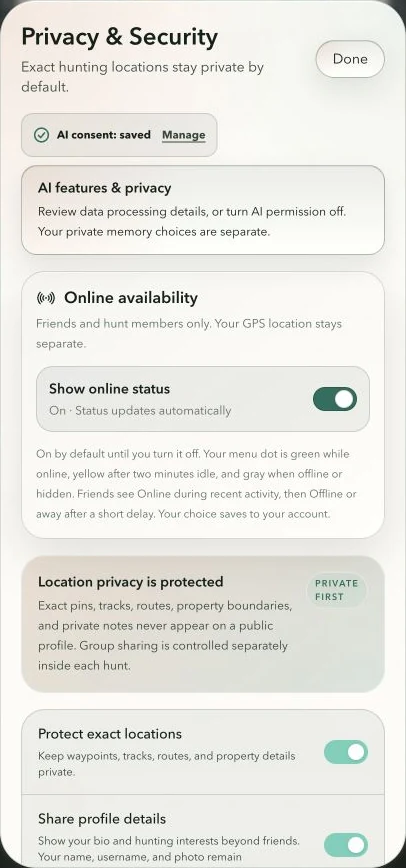
Control your data, AI consent and sharing
Understand which choices are private, which use AI and which share information with others.
MORE FROM VENATRIQ
Scouting field notes.
Additional ideas and focused walkthroughs from the VENATRIQ team.
Record and review your next scouting trail
Keep a useful record of where you walked, then review it with your field observations. Start with the permission and recording checks below.
Read field note →Learn recovery toolsGet familiar with Blood Trail Assist before you need it
Learn the camera controls and how to record confirmed sign. Practicing the workflow ahead of time makes the controls easier to use in the field.
Read field note →Build a hunt planTurn a selected hunt area into a field plan
Give Hunt Intel a clear area and useful context, then review its suggestions alongside what you already know from the field.
Read field note →Scout the terrainSee more of the land before your next scout
Compare terrain views to decide what deserves a closer look. VENATRIQ keeps your scouting work beside the map so you can turn observations into a plan.
Read field note →Read the windCheck the wind before you choose your approach
A good scouting plan connects the conditions to the places you want to investigate. Use these three checks before heading into the field.
Read field note →