VENATRIQ FIELD GUIDE · Record a GPS trail
Record and review your next scouting trail
Keep a useful record of where you walked, then review it with your field observations. Start with the permission and recording checks below.
3 practical steps · Real app walkthroughWATCH THE QUICK WALKTHROUGH
See the feature in 24 seconds.
A silent walkthrough with real VENATRIQ screens and on-screen instructions. The complete steps and feature details are also written below.
Download the how-to clip →- 01
Start from Track
Open Track and choose Start GPS track. Allow location access and check that recording has started before you put your phone away.
Feature and membership limits apply.
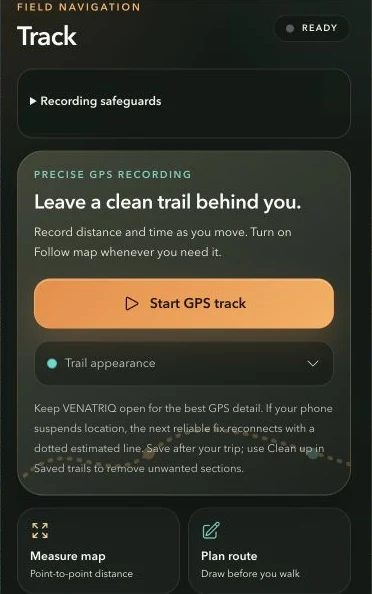
Review safeguards, choose a trail appearance and start recording. Wait for a fresh GPS fix before relying on the recorded route. - 02
Mark useful field observations
Use Tools to save pins or notes for places you want to remember. Keep track of actual observations separately from ideas you still need to investigate.
Feature and membership limits apply.
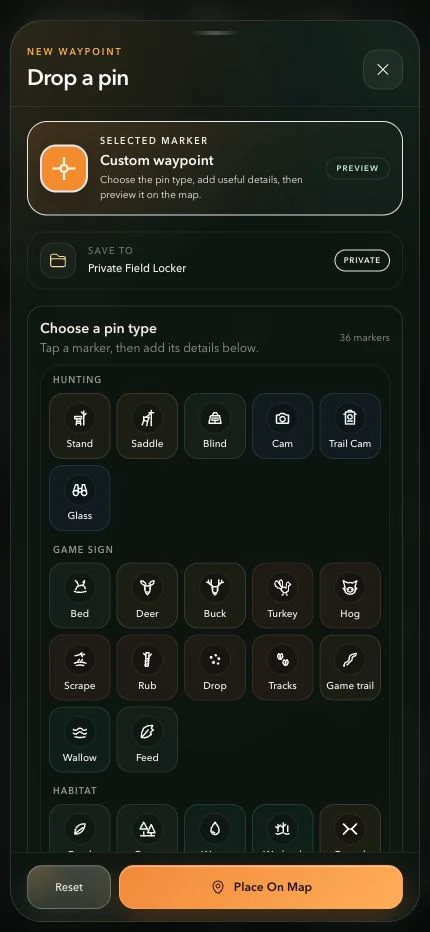
Choose a recognizable marker and check the save destination before placing your pin. More marker categories are available by scrolling. - 03
Stop, save and review
End the recording when you finish, save the trail and review it alongside the map. Check for gaps or unwanted sections before using it to plan another trip.
Feature and membership limits apply.
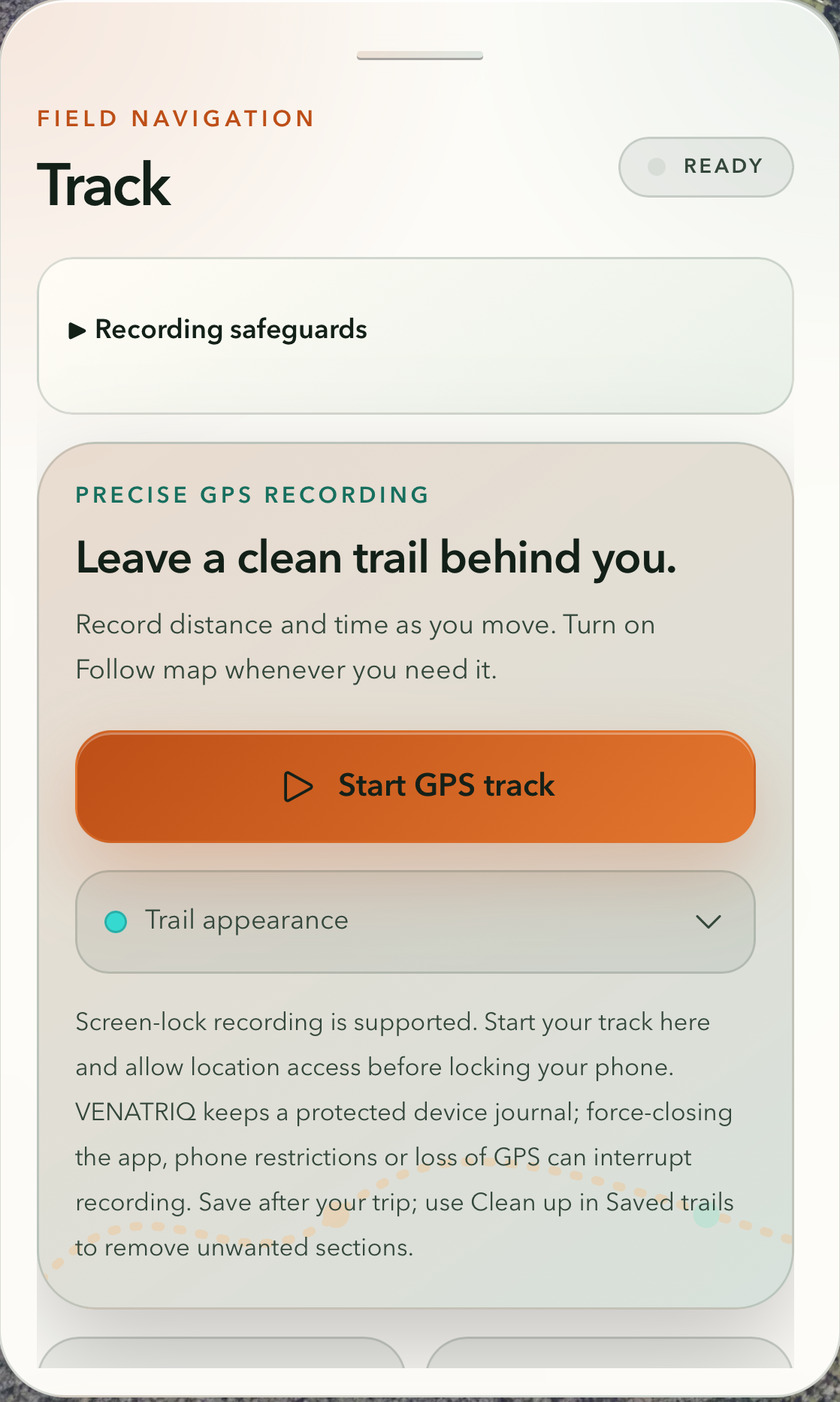
Keep your trail · Show the complete app screenshot; do not promise uninterrupted GPS.